Gullu
How to Make Your Own Coloring Pages for Young Kids (Ages 3 to 7)
Short answer: To make a coloring page for a young child, draw one subject with a thick black marker, close every shape, and leave big spaces to fill. You can draw it by hand, trace it from a photo, or start from an AI image and clean it up. Then scan or photograph it in black and white and print a test copy.
This is a craft how-to. There is no official standard for coloring pages, so most of what follows is practical advice from making pages for Gullu, not research. Where a fact comes from a source, we name it.
What makes a coloring page work for ages 3 to 7?
Bold outlines and big closed areas. Young children are still gaining hand control. The CDC lists drawing a circle when shown how at age 3, and holding a crayon or pencil between fingers and thumb, not in a fist, at age 4 (CDC, 3 years; CDC, 4 years). A page full of tiny spaces asks for control they do not have yet.
These are the checks we use on Gullu's own pages:
- One clear subject. One dog, one truck, one cake. The child should know what it is at a glance.
- One bold, even outline. No sketchy double lines, no hatching, no gray shading.
- Big enclosed areas. Every space should be easy to hit with a thick crayon.
- Every shape closed. Gaps make it unclear where a color should stop.
- A friendly face. Eyes drawn as open shapes with pupils, and a simple smile.
- White background. A little ground line or one cloud is plenty.
- Room at the edges. Keep the drawing away from the border so the printer does not cut it off.
For a 6- or 7-year-old you can add detail, such as scales on a fish. Add it inside big shapes, so the page still works if the detail is ignored.
How do you draw one by hand?
Pencil first, marker second, eraser last.
- Pick the subject with your child. "What should we make?" is half the fun.
- Sketch lightly in pencil. Build it from simple shapes: a circle for a head, an oval for a body, rectangles for legs.
- Make it bigger than feels natural. The subject should fill most of the sheet.
- Go over the pencil with a thick black marker. Use steady, single strokes. Close every shape.
- Erase the pencil when the ink is dry.
- Check it from across the room. If you can still tell what it is, the lines are bold enough.
- Copy before coloring. Photocopy or scan the page first, so you keep a clean original.
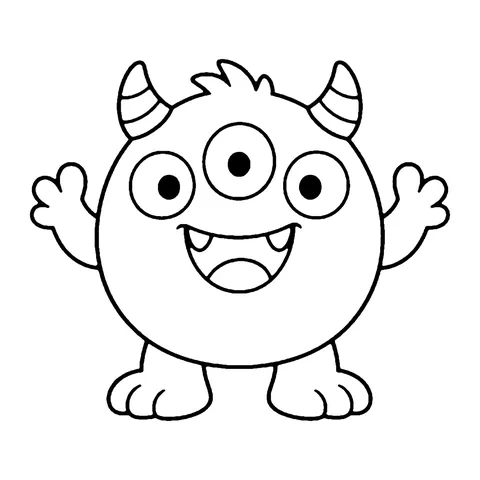
You do not need to draw well. Your child can also draw the page. Ask Emma to draw a monster in black marker, copy it, and she has a coloring page of her own monster to share with Jack.
| Method | What you need | Good for |
|---|---|---|
| Draw by hand | Paper, pencil, thick black marker | Simple subjects, requests made on the spot |
| Child draws it | Paper, black marker, a copier or scanner | Pride, gifts for family, class books |
| Trace a photo | Printed photo, thin paper, marker, a bright window | Pets, the family car, your house |
| Trace on a tablet | A drawing app with layers | Clean lines, easy fixes |
| Start from an AI image | An image tool, then your own checks and cleanup | Unusual requests, sets on one theme |
How do you turn a photo into a coloring page?
Trace it. Tracing gives you control over which lines stay, and for young children most lines should go.
By hand, at a window:
- Print the photo large, in black and white.
- Tape it to a bright window. Tape a thin sheet of paper over it.
- Trace only the main outlines with a pencil: the outside edge of the pet, the eyes, the nose, the mouth, a collar.
- Skip fur, shadows and background.
- Take it down, go over the pencil with a thick marker, and close any gaps.
On a tablet or computer:
- Open the photo in any drawing app that has layers.
- Add a new layer on top. Pick a thick black brush.
- Trace the main outlines on the new layer.
- Hide or delete the photo layer. Only your line drawing is left.
- Export it as an image and print.
Many photo apps also have an automatic "sketch" or "outline" filter. These are quick, but they tend to keep every shadow and texture as a thin gray line. The result often looks more like a pencil sketch than a coloring page. If you use one, treat it as a rough guide and trace over it with bold lines.
Two cautions. Think before you upload photos of children to any online tool, and read what the tool says it does with uploads. And simplify faces a great deal. A few clean lines usually look kinder than a detailed tracing.
Gullu does not turn photos into coloring pages, and you cannot upload your own pictures to the app. The methods above are things you do yourself.
Can AI make coloring pages, and what should you check?
Yes, AI image tools can produce line art, and the results need checking before a child sees them. We say this from experience. Gullu's own coloring pages are AI-generated and then selected and cleaned up by our studio, as our about page and license page state.
We do not recommend any particular tool. Whichever you use, ask in plain words for a simple black outline drawing of one subject on a white background, with thick lines, large areas and no shading. Then check every page yourself:
- Count things. Fingers, legs, wheels, ears. Errors here are common in generated images.
- Look for open shapes. Lines that stop short leave areas with no edge.
- Look for gray or shaded patches. A coloring page should be pure black lines on white.
- Look for stray marks and odd extra objects in the background.
- Check any letters or numbers. Generated text is often misspelled or malformed. Add text yourself afterward.
- Check that it is kind. No scary faces, nothing unsuitable for a young child.
- Avoid famous characters. Characters from films, shows and games belong to their owners. Make your own animals and people.
- Read the tool's terms if you plan to share pages beyond your home or classroom.
Expect to throw away many attempts and to fix lines by hand on the ones you keep.
How thick should the lines be?
Thick enough to read from across a room once printed. We know of no official measurement for children's coloring pages, so use a test instead of a number.
- Marker, not pen. On a full sheet of paper, draw with a broad marker. A ballpoint or fine liner is too thin.
- One weight everywhere. Keep the outline the same thickness all the way around.
- The arm's length test. Print the page, hold it at arm's length, and squint. If any line fades, thicken it.
- The crayon test. Lay your child's usual crayon on the smallest area. If the crayon tip is wider than the space, make the space bigger or remove it.
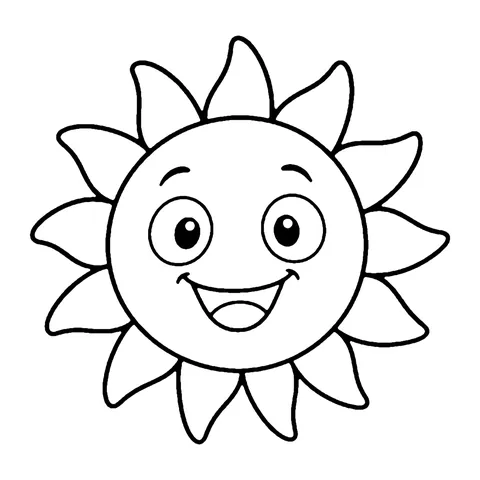
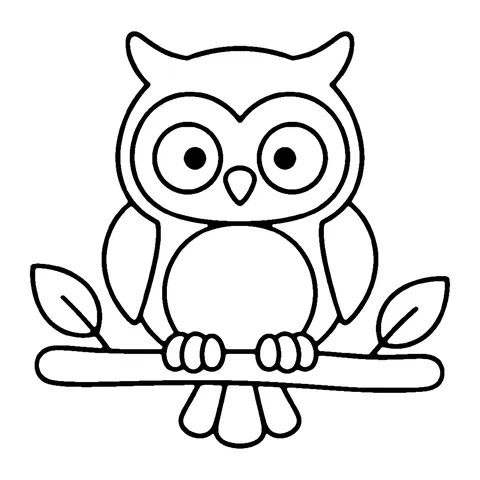
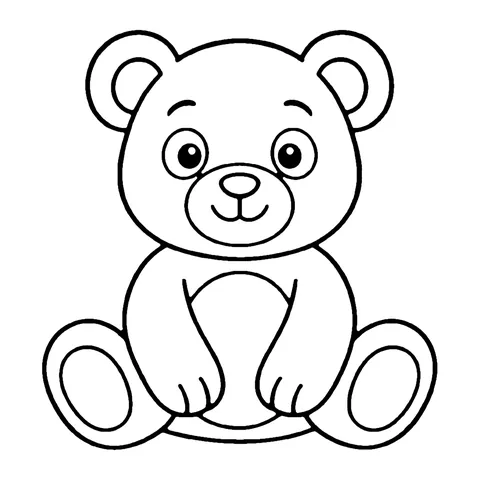
To see the style we aim for, look at the free bold and easy pages or the pages for 3-year-olds.
How do you print and copy for a class?
Make one clean master, test it, then copy.
- Scan or photograph the drawing in good, even light. Use a black and white or "document" mode if your scanner or phone has one, so the paper comes out white and the lines black.
- Crop to the edges of the drawing, leaving a margin.
- Print one test copy. Check that nothing is cut off and the lines are solid.
- Photocopy from the test copy. A copier is usually faster and cheaper than a printer for a whole class.
- Keep the master in a folder for next time.
For paper size, fit-to-page settings and ink saving, see how to print coloring pages. For ways to use the pages, see 20 coloring activities for preschool and kindergarten and early finisher and indoor recess ideas.
If you would sooner print ready-made pages, this site has 100 free printable coloring pages. The license allows copies for the children in your class and does not allow selling them.
FAQ
What is the easiest way to make a coloring page?
Draw one simple subject in pencil, go over it with a thick black marker, erase the pencil and photocopy it. No special tools are needed.
How do I turn a photo of my pet into a coloring page?
Print the photo, tape it to a bright window under a thin sheet of paper, and trace only the main outlines. Then go over your tracing with a thick marker and close every shape.
Can I make coloring pages with AI?
You can, but check each page before use. Count fingers and legs, look for open shapes and gray shading, remove stray marks, and avoid famous characters. Expect to fix lines by hand.
Can Gullu make a coloring page from my photo?
No. Gullu has no upload or page-making feature. The app's pages are made by our studio.
Can I sell coloring pages I make?
Pages you draw yourself are yours. If you used a tool, a font or someone else's picture, their terms apply, so read them first. This is general information, not legal advice. Gullu's free pages may not be sold.
Can my child's own drawing become a coloring page?
Yes. Have your child draw in black marker, then photocopy or scan the drawing before anyone colors it. Children often enjoy coloring copies of their own work. For keeping the originals, see what to do with kids' artwork.
Sources
- CDC, "Milestones by 3 Years": https://www.cdc.gov/act-early/milestones/3-years.html
- CDC, "Milestones by 4 Years": https://www.cdc.gov/act-early/milestones/4-years.html
- Gullu, "Printables license" (how Gullu's pages are made and how the free pages may be used): https://gullu.app/license/
The drawing, tracing and printing steps on this page are practical advice from the Gullu studio. They are not taken from an official source.