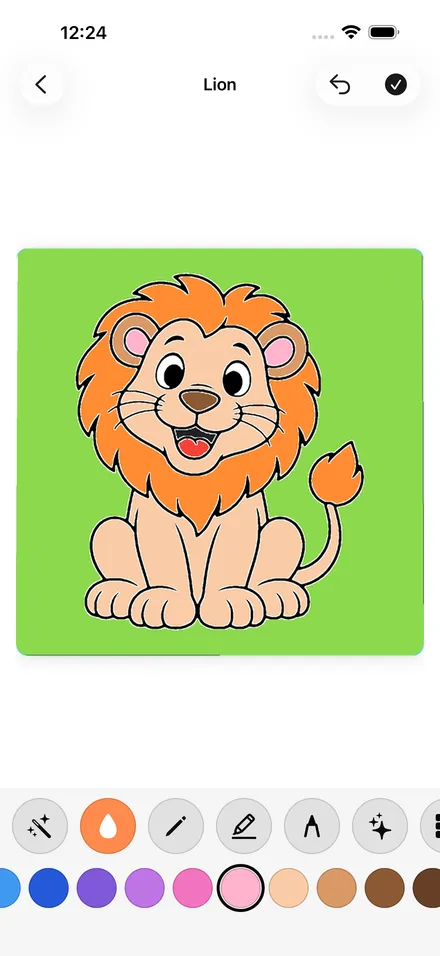
Gullu
An Offline Coloring App for Kids: No Wi-Fi Needed
Short answer: Yes, Gullu works offline on iPhone, iPad and Mac. Once the app is installed, coloring, drawing, tracing, the gallery and saving all work with no Wi-Fi and no mobile data, so it suits planes, cars and waiting rooms. Only buying or restoring Gullu Plus needs a connection.
A coloring app is most useful in the places with the worst internet: a plane seat, the back of a car, a clinic waiting room. Here is what Gullu does with no connection at all.
Does Gullu work without Wi-Fi?
Yes. On iPhone, iPad and Mac, Gullu works with no Wi-Fi and no mobile data. We tested it in airplane mode in November 2026 and everything in the app worked.
The coloring pages are part of the app itself. Nothing is streamed or downloaded when a child opens a page, so there is no loading wheel and no "check your connection" message in the middle of a picture.
What works offline?
| In airplane mode | Works? |
|---|---|
| Opening any page your child can already use | Yes |
| Every tool: magic brush, tap to fill, crayon, marker, Tiny pen, glitter, patterns, stickers | Yes |
| Free drawing on a blank sheet | Yes |
| "Draw it" tracing lessons | Yes |
| The world map, stickers and gold stars | Yes |
| My Gallery and saving a picture to Photos | Yes |
| Switching between child profiles | Yes |
| Buying or restoring Gullu Plus | No, this needs the App Store |
Drawings are kept on the device. Copies go to your family's private iCloud when the device is next online.
What should I do before a flight or a long drive?
- Install Gullu at home, while you still have Wi-Fi.
- Open it once and let your child pick a profile.
- If you want Gullu Plus, buy it before you leave. A purchase needs a connection. The 47 free pages work offline either way.
- Test it yourself. Turn on airplane mode, open the app and color one page. This is a good check for any app you plan to rely on, and it takes a minute.
- Charge the device before you go.
For more travel ideas, see our guides to airplane activities for toddlers and apps that work without Wi-Fi.
Are there ads when the device goes back online?
No. On iPhone, iPad and Mac, Gullu has no ads, no tracking and no account, online or offline. The no-ads page has the details, including how the Android version will differ.
What about Android?
The Android version is in closed testing and is not public yet. It will show ads, which need a connection to load. We have not run an offline test on it, so we make no offline claim for Android.
What does Gullu cost?
The download is free and the first page of every land is free, 47 pages in all, with every tool. Gullu Plus unlocks the other pages for US$3.99 a month, US$24.99 a year or US$39.99 once. There is no free trial. See what is free and what is paid.
You can download Gullu on the App Store.
FAQ
Does Gullu work in airplane mode?
Yes. On iPhone, iPad and Mac, coloring, drawing, tracing, the gallery and saving all work in airplane mode once the app is installed.
Do the coloring pages need to download first?
No. The pages are inside the app, so they are ready as soon as the app is installed.
Can I buy Gullu Plus without internet?
No. Buying or restoring a purchase goes through the App Store, which needs a connection. Do it before you travel.
Will my child's pictures be lost if we are offline?
No. Pictures are saved on the device. Copies go to your family's private iCloud when the device is online again.
Does the Android version work offline?
It is not public yet and we have not tested it offline, so we do not claim that it does.